Email alias or shared mailbox? Match the address to the way your team works
A memorable address is only the beginning. Decide who receives messages, who replies and who remains responsible when somebody leaves.
Start here
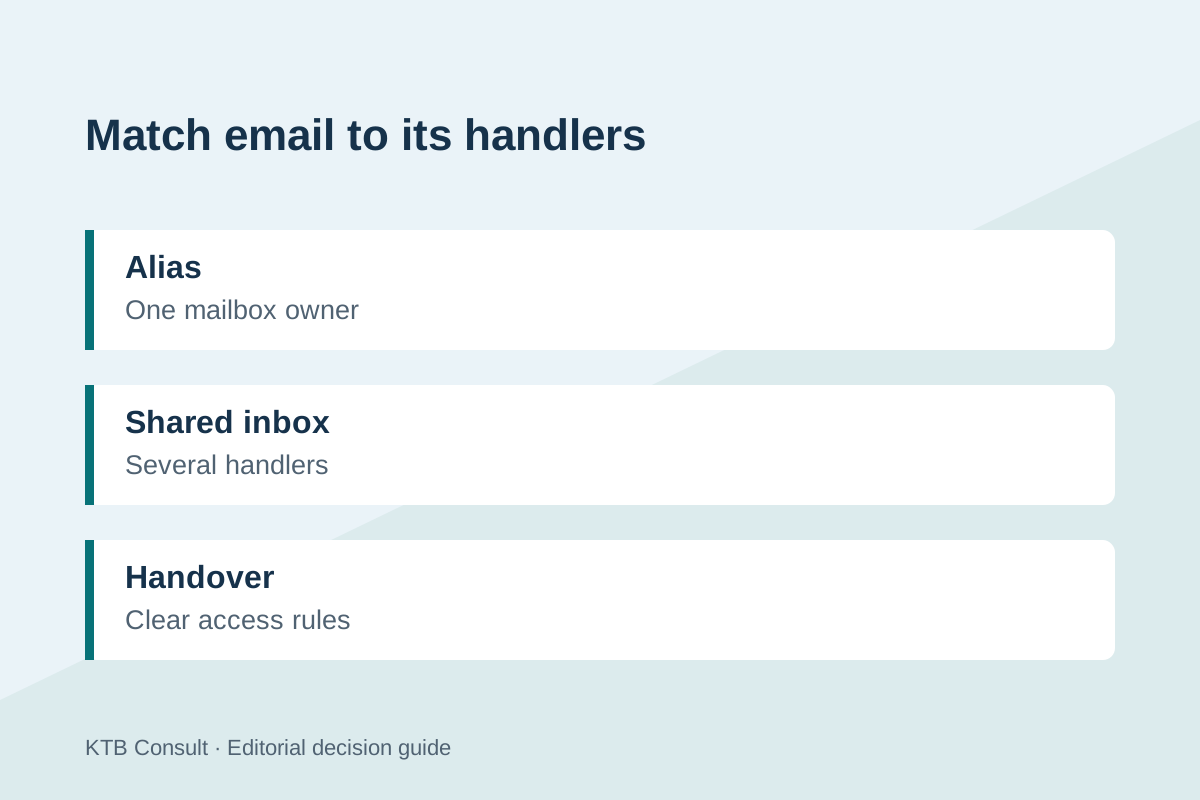
An alias suits an extra address for an existing mailbox owner. A shared mailbox suits a team address that several authorised people must handle together. Check your provider’s exact access, licensing and reply behaviour before choosing.
Start with responsibility, not the address
Imagine a small studio launching hello@ and invoices@ addresses. The names look similar, but the work behind them may differ. One person might manage invoices, while three colleagues rotate through customer enquiries. Designing both as extra addresses for one employee can create a hidden dependency on that employee.
For each address, record the owner, the people who need to read messages, the people who may reply, the expected response time and the person who takes over during absence. Also decide where sent replies should be visible. These questions expose whether you need a convenient alternate address or a shared operational inbox.
Understand what an alias changes
Google Workspace documents an email alias as an alternate address attached to a user. Messages addressed to it arrive in that user’s primary mailbox; an alias is not a separate Google Account and cannot be used as an independent sign-in. An alias can be assigned to one user.
That arrangement can suit a sole operator with separate public-facing address names. It does not, by itself, establish a team queue, a handover process or separate access rights. Before using aliases for customer support, test which sending address appears in replies and how conversations are separated from the owner’s other work. Do not distribute the owner’s password to make an alias behave like a shared service.
Check shared access and sending permissions
Microsoft describes a shared mailbox as an inbox that multiple authorised users can use, with administrators assigning permissions. Reading a mailbox and sending as its address are distinct capabilities that need checking. Licensing and size limits depend on the configuration; features such as archiving can change the requirements.
Create a small test with two authorised colleagues. Send in a question, let the first person reply and ask the second to find the conversation and its sent response. Check the display name, reply address and mobile experience. Then remove one person’s access and confirm the other can continue working. This tests continuity more effectively than simply proving both people can see an inbox.
Set a rule for duplicate replies and leavers
A shared address still needs a working agreement. For a tiny team, a clear assignment rule and an agreed marker for completed messages may be enough. If enquiries routinely pass between sales, accounts and support, write down how ownership changes. Avoid assuming unread status means nobody has replied.
Maintain a short address register with the business purpose, access list and review date. When a colleague changes roles, review mailbox permissions, forwarding and any linked automation. The right structure is the simplest one that preserves accountability and access when the team changes. If the trial reveals missed handovers, investigate a suitable workflow before adding more addresses.
| Situation | Starting point to assess | Test before launch |
|---|---|---|
| One owner, several address names | Alias | Reply address and inbox organisation |
| Several authorised handlers | Shared mailbox | Access, sending and sent-item visibility |
| Frequent assignment between teams | Shared workflow or support tool | Ownership and handover trail |
| Employee departure | Business-owned access plan | Remove access without losing continuity |
Sources and further reading
Source details checked 2026-11-18. Product terms and availability can change; check the relevant seller or provider before ordering.
Editorial guidance, not a claim of hands-on testing. See our editorial policy for how we research guides. Our approach